Please note that this only works for agents using the USSD platform
First and foremost, it is always a best practice to check your physical cash balance to confirm whether you have enough to complete the transaction or not. Also, it is assumed that customer has enough balance to complete transaction After you have done that, let customer allow cash out while you grasp your device.
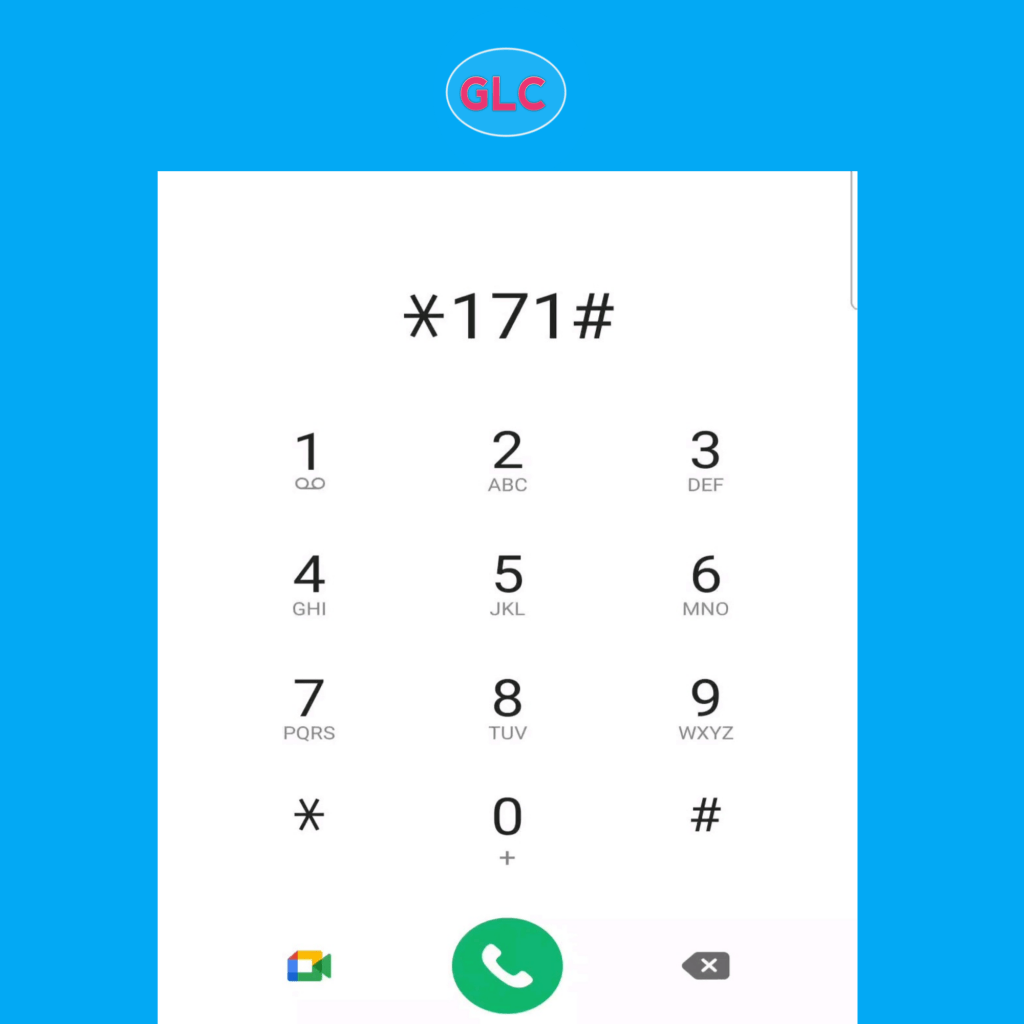
Dial *171# on your device
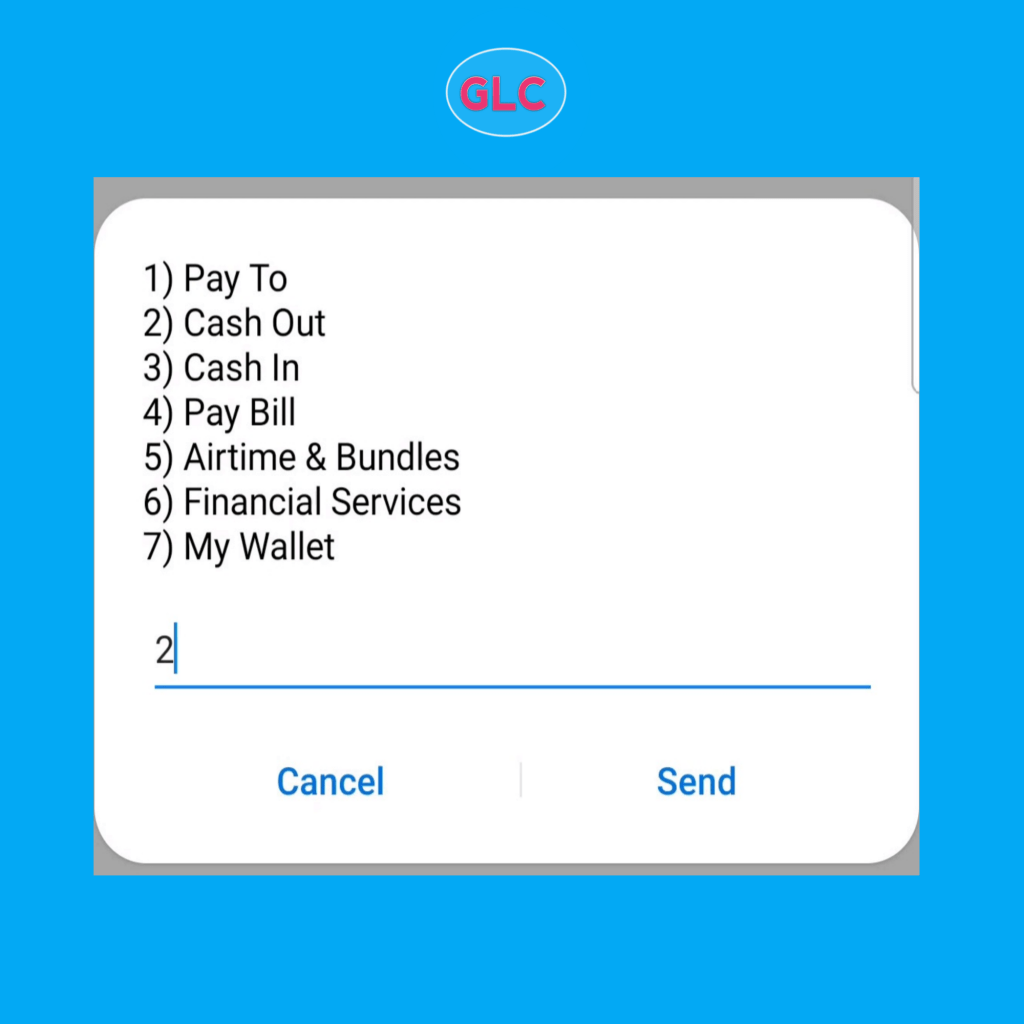
Select Cash Out By Entering Option “2“
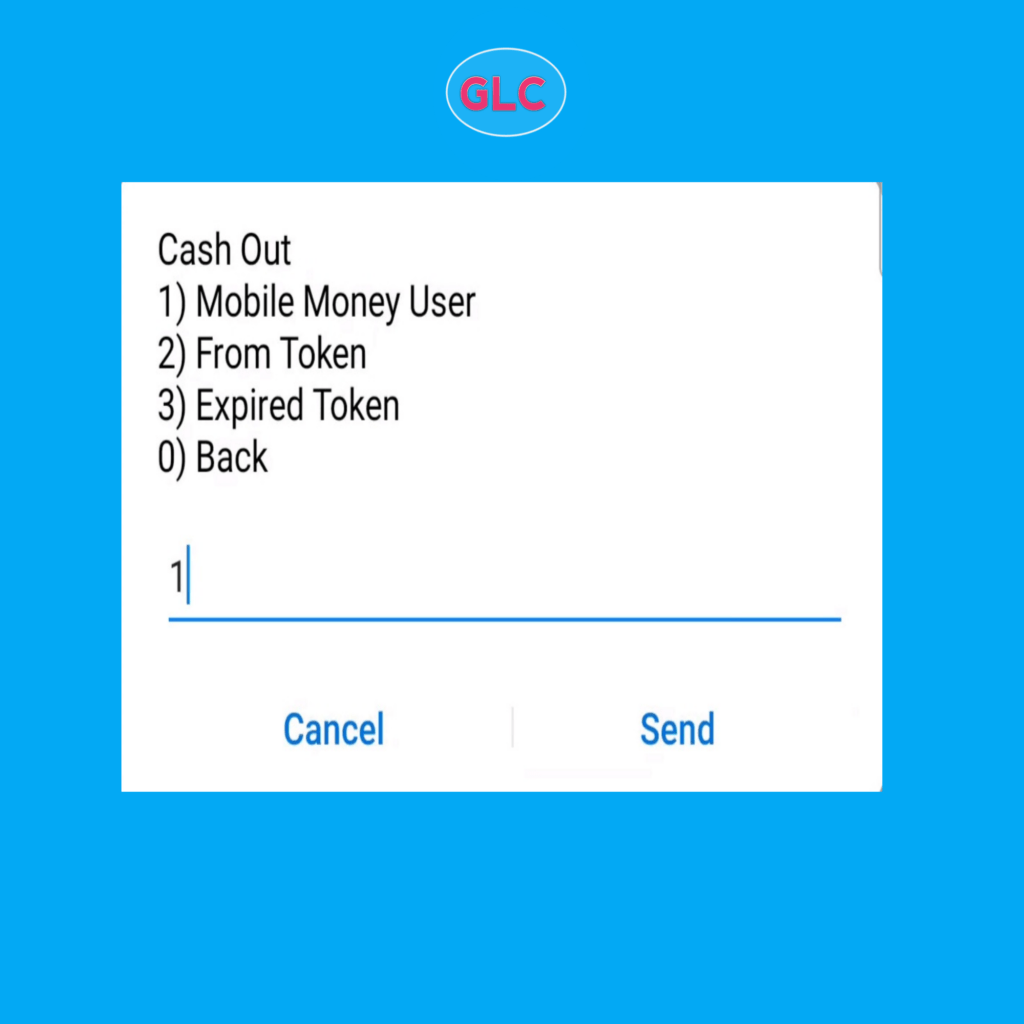
Select Mobile money user Option “1”
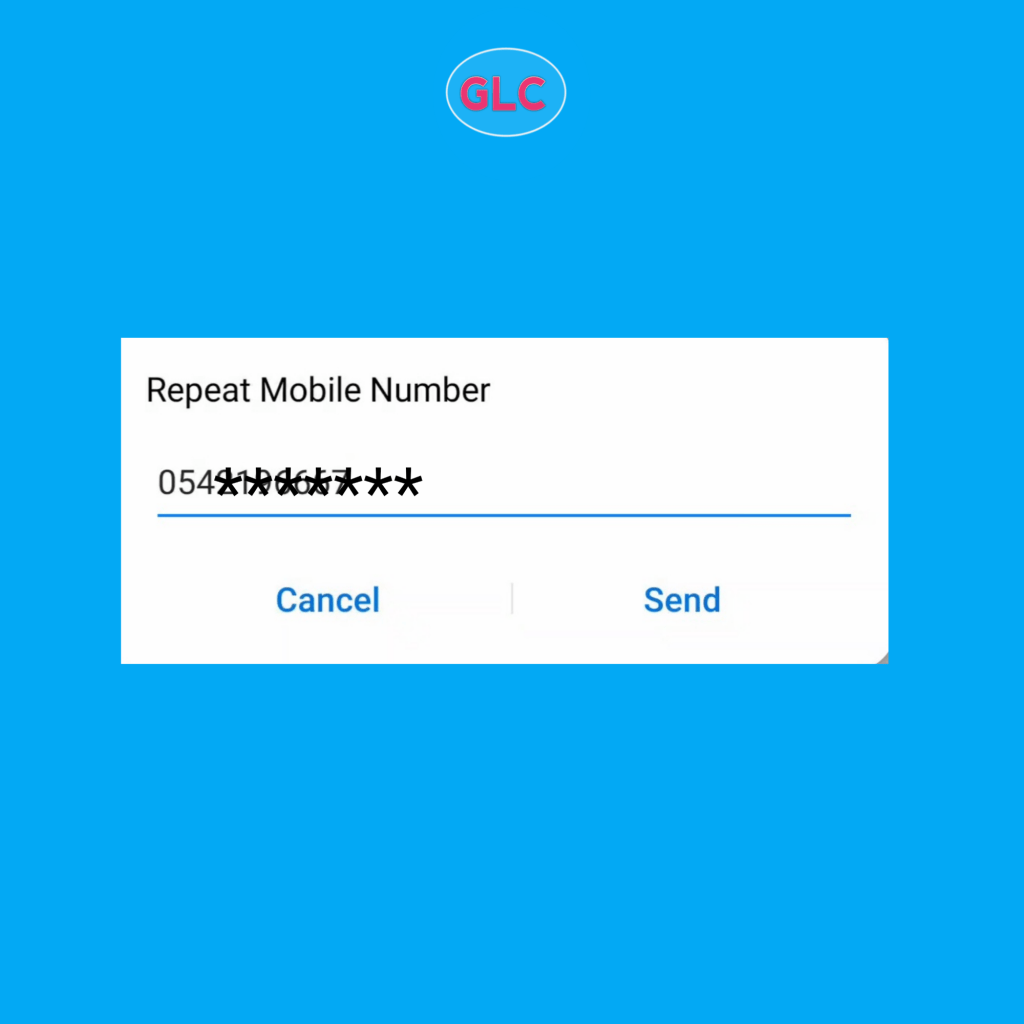
Enter Customer’s Phone Number
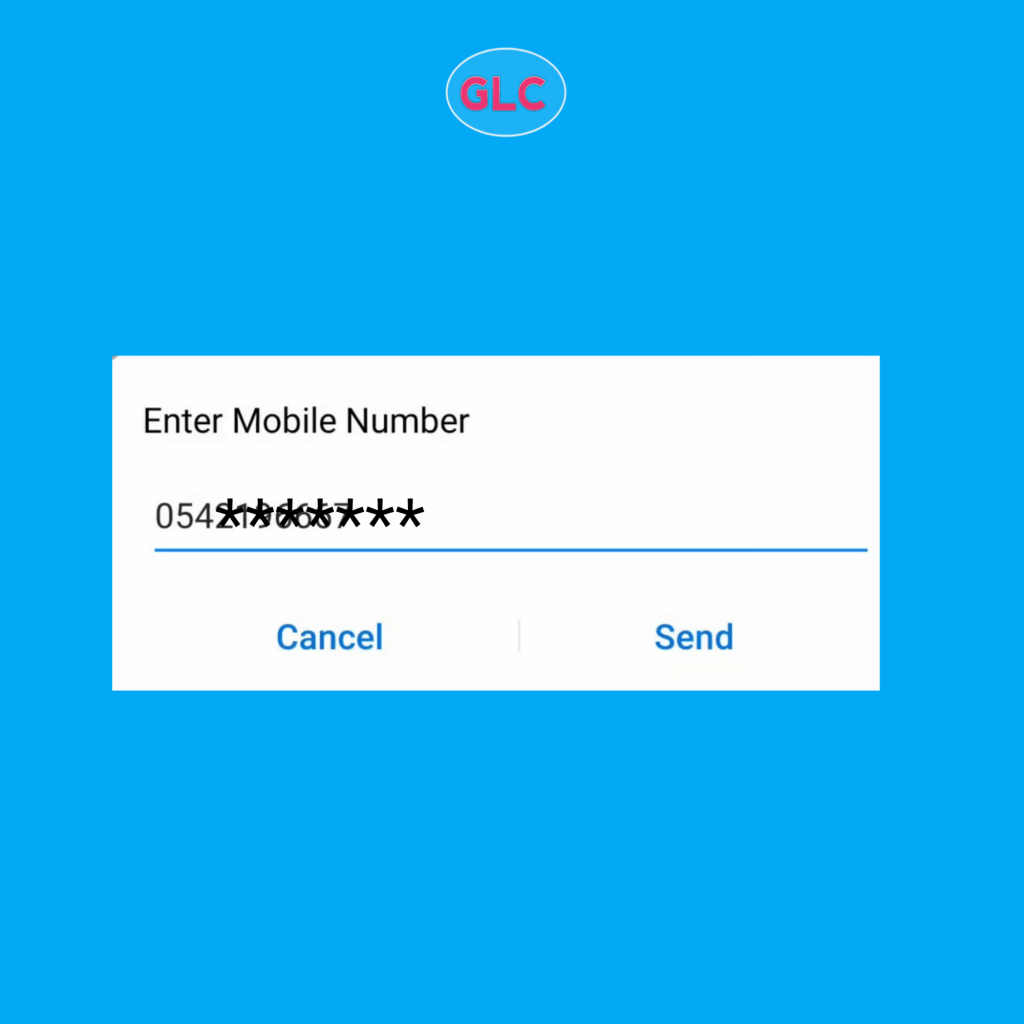
Re-enter the phone number
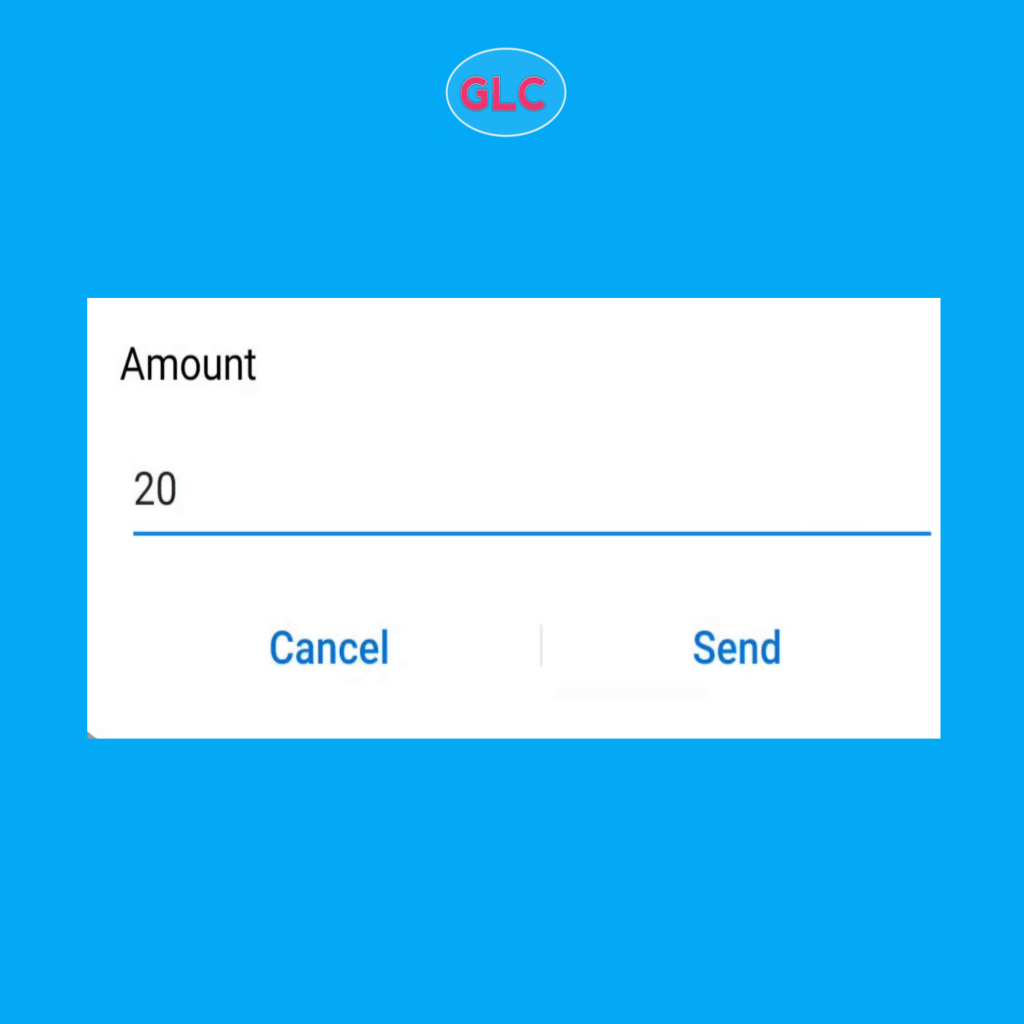
Enter Valid Amount
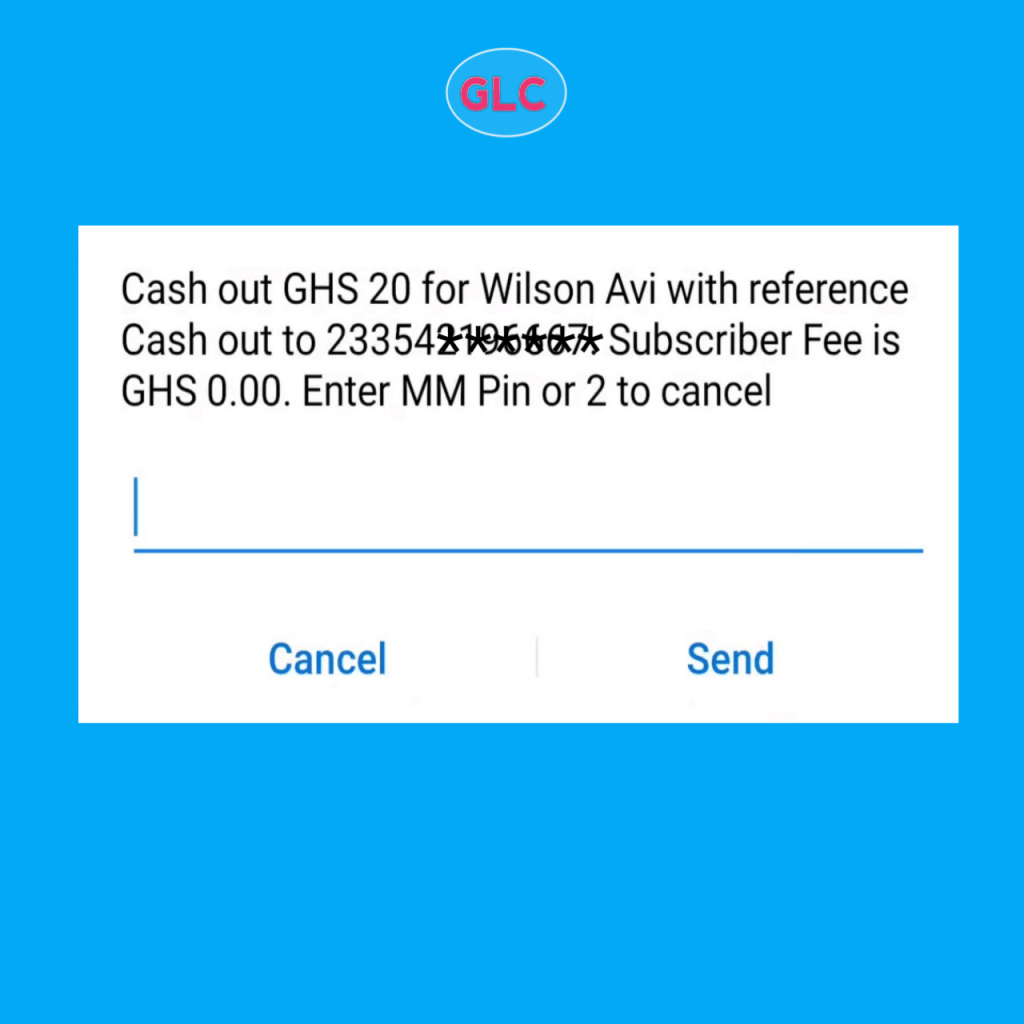
Review and enter your MM pin to confirm
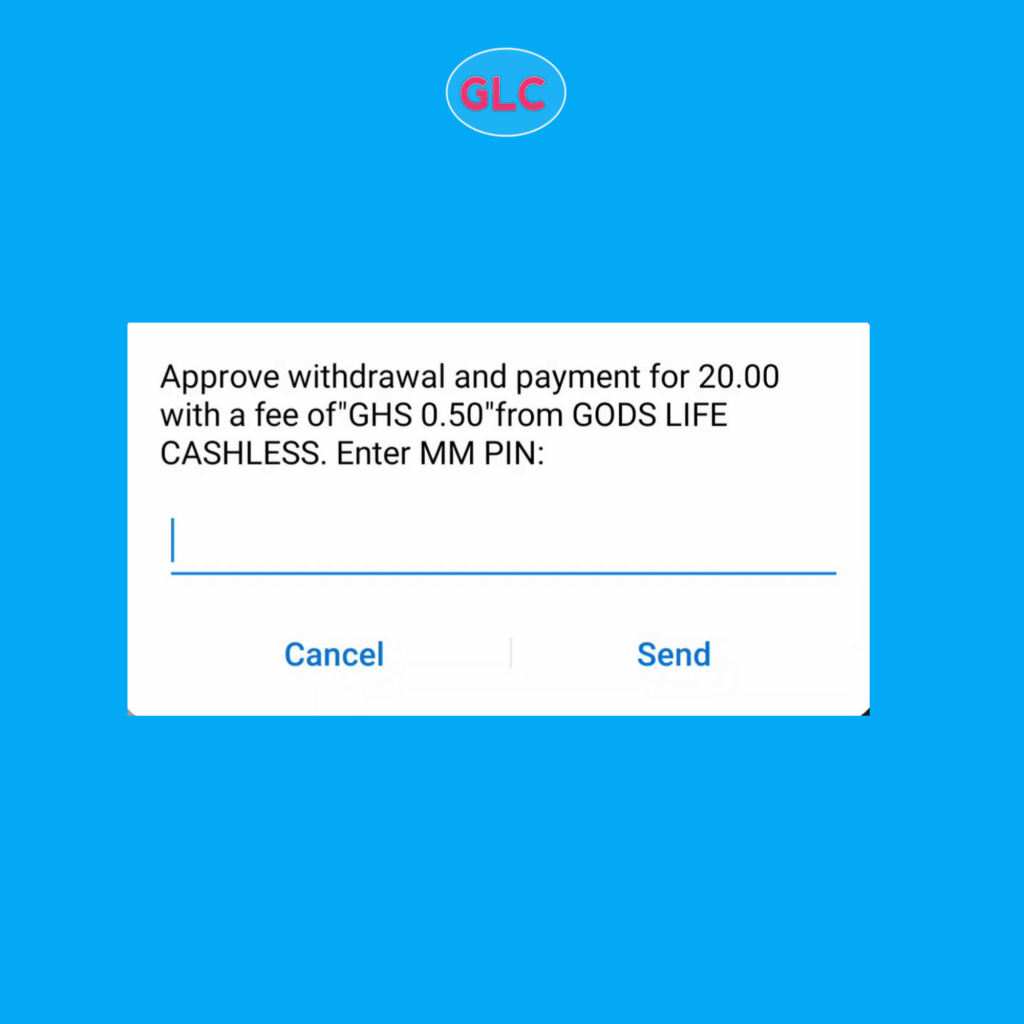
Finally, Wait for approval by the customer
Bonus: how does the approval interface looks like?
We love you!
 GOD'S LIFE CASHLESS ENTERPRISE